
How AI Is Reshaping Software Development in 2026
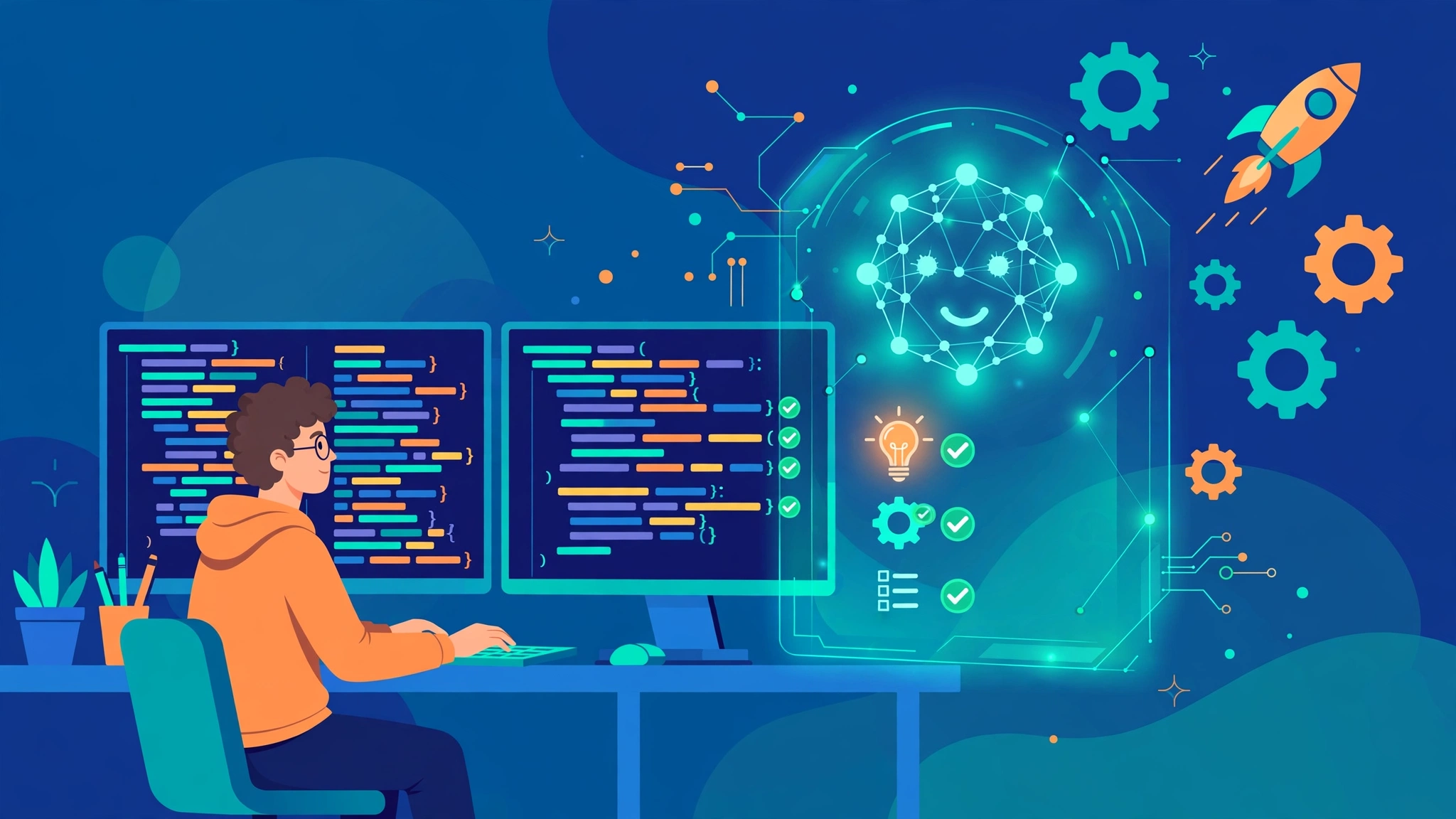
Artificial intelligence is no longer just an autocomplete assistant sitting inside a code editor. In 2026, AI has become an active collaborator across the entire software development lifecycle (SDLC) — from the first architecture sketch and code generation to automated testing, security auditing, and deployment.
For engineering teams, startups, and solo developers alike, understanding AI-accelerated software development is now essential to staying competitive. Here is how AI is changing software development in practice — and the workflows that are defining the industry today.
How Is AI Changing Software Development Today?
Traditional development relied on manual boilerplate coding, line-by-line debugging, and slow code review cycles. Today the developer's role is shifting — away from writing every line of syntax, and towards acting as a system architect and code reviewer.
Three shifts stand out right now:
- Context-Aware Code Generation: Modern AI coding agents understand entire repositories, database schemas, and API contracts — not just the single file you have open.
- Automated Bug Detection & Self-Healing Tests: AI tools continuously scan pull requests for logic flaws, memory leaks, and security vulnerabilities before the code ever reaches production.
- Natural Language to Prototype: Product managers and developers can turn structured prompts into working full-stack prototypes in hours, drastically cutting time-to-market.
What Is AI-Accelerated Software Development?
AI-accelerated software development means integrating autonomous AI agents and machine learning models into every stage of building software, so teams move faster without sacrificing code quality.
Instead of treating AI as a simple chatbot, high-performing teams embed it into three core pillars:
- Planning & System Design: Generating technical specifications, database ERDs, and edge-case scenarios straight from product requirements.
- Implementation & Refactoring: Translating legacy codebases — such as migrating older frameworks to modern stacks — with automated unit test coverage.
- CI/CD & DevOps Automation: Predicting deployment failures, optimising cloud resource allocation, and summarising production logs in real time.
Top AI Tools & Workflows for Modern Developers
To get the most out of AI in 2026, developers are combining specialised tools rather than relying on a single platform:
- AI-Native IDEs & Coding Agents: Tools like Cursor, GitHub Copilot Workspace, and Windsurf handle multi-file edits, terminal commands, and repository-wide refactoring.
- Autonomous Testing & QA: AI testing suites generate end-to-end user flows automatically — and update broken UI selectors whenever frontend components change.
- Documentation & Knowledge Sync: Automated pipelines keep README files, API docs, and internal wikis in sync with every merged pull request.
Not running a dev team? Most of these tools have a small-business side too — see our guide to the AI tools that save small businesses 10+ hours every week.
Best Practices for Using AI in Software Engineering
Speed is a genuine advantage, but blindly accepting AI-generated code is how teams pile up technical debt. Follow these rules to keep your codebase clean:
- Always Review Architecture & Security: Never let AI make unchecked decisions about authentication, payment processing, or data encryption.
- Maintain Strict Test Coverage: Require automated unit and integration tests for every AI-assisted pull request.
- Focus on Problem Solving: Use AI to eliminate the repetitive tasks, so your team can spend its time on user experience, performance optimisation, and business logic.
Frequently Asked Questions (FAQs)
Will AI replace software developers in 2026?
No. AI replaces repetitive coding tasks, not software engineering. Demand is actually growing for developers who can design scalable systems, validate AI-generated logic, and solve complex business problems.
What are the biggest risks of AI-accelerated software development?
The main risks are subtle security vulnerabilities, over-engineered code, and licensing issues — all of which appear when teams deploy AI output without thorough human code reviews and automated testing.
How can beginners start using AI for software development?
Start with an AI-powered IDE: ask it to explain unfamiliar codebases, write unit tests for your functions, and review your manual code for cleaner refactoring suggestions. And if you're launching a website alongside your software, our SEO checklist for new websites covers the launch basics step by step.